Stubbornella: thoughts about the web.
-

IFSC Competition Regulations Para Climbing Events
The international federation of sport climbing released its 2025 paraclimbing regulations. The document was a PDF that was in accessible to screen readers so I converted it to HTML. It is far from perfect, but should be a lot better than the PDF. For some odd reason every bit of text on the PDF was…
-

Twitter polls for developer sentiment
Yesterday, I wrote about how I reason about developer needs and the kinds of data I take into account. Unsurprisingly, many of you wondered what kind of twitter polls I was talking about. Between 100 and 2000 developers answered most of these questions. BIG CAVEAT: twitter polls have issues like no demographics info, audience bias,…
-
What are developers thinking?
I’m hearing on twitter, mastodon, and other social networks that people don’t trust surveys of developer opinions or needs. I’m here to say, good, you probably shouldn’t! Every source of information has a bias of some kind. You know you are doing the right thing when you find directional alignment across different sources of information…
-
Expanding your touch targets
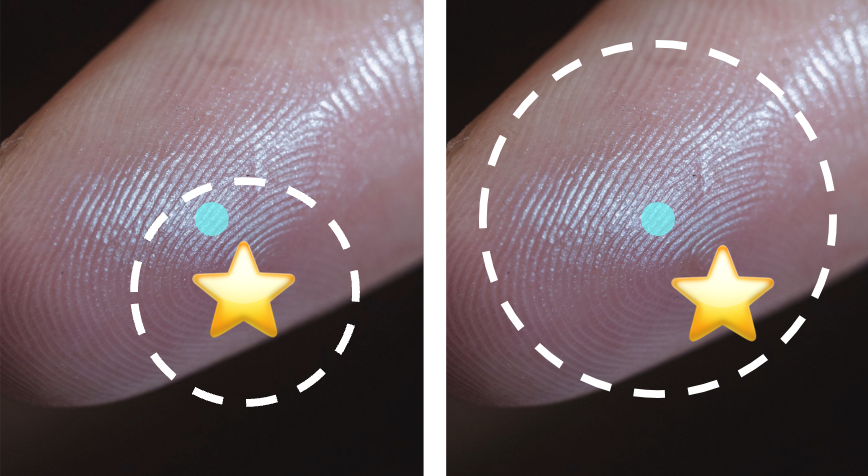
When developers create a website, an important concern is that the tap targets are sufficiently big for all different kinds of input devices. This includes mouse pointers, which are fairly accurate, but can also include fingers, thumbs, or assistive tech. Today I learned that if you live in the midwest in winter, it can also…
-

Reactathon fireside chat
-

Searchable browser code
It can be handy to search the codebases of the major browser engines. Github isn’t a great tool for that. I found that these work better:
-
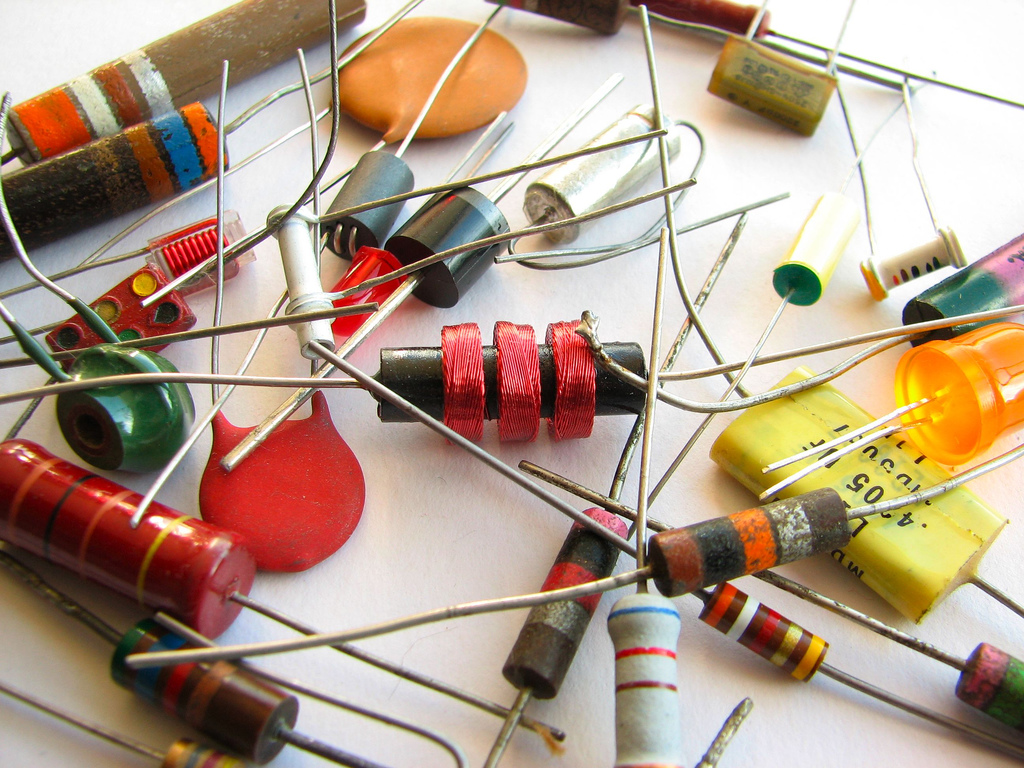
Web Components Panel at EdgeConf
Photo by Windell Oskay
-

Horn Ok Please
The first time I was in India, I travelled to Bombay, Agra, Delhi, Jaipur, and Udaipur mostly by van. It was impossible not to notice the multicolored painted vans. They are covered in painted flowers, designs, and the ubiquitous “Horn OK Please.” And why does it say this? Driving etiquette in India requires that drivers…
-
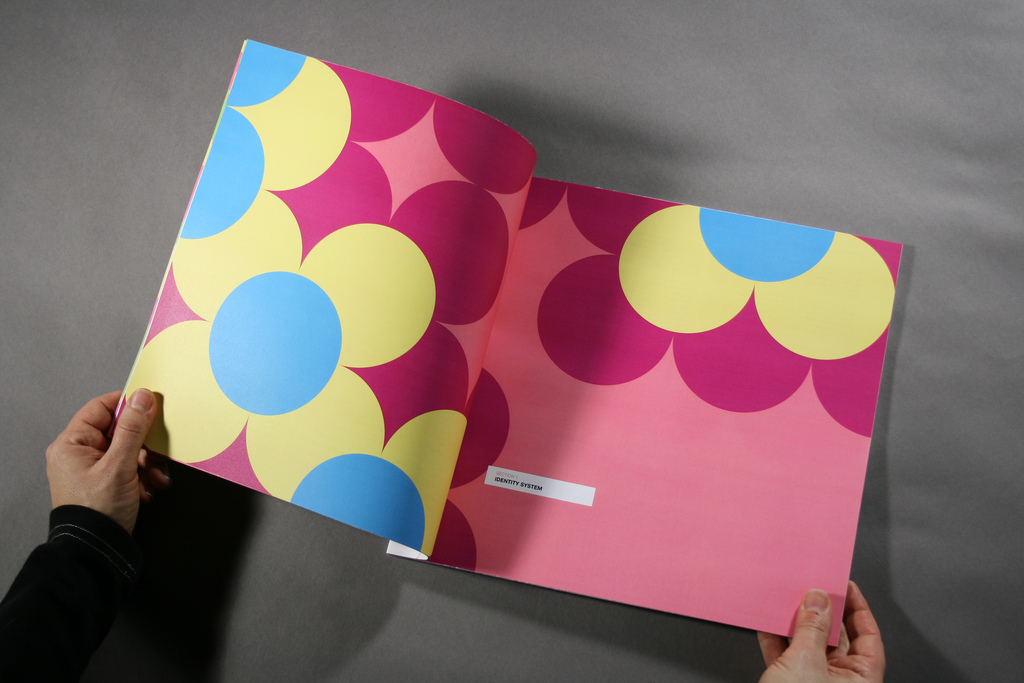
Style Guide Driven Development
Colin O’Byrne and I talk about SDD, a term that was coined in the New York office of Pivotal Labs. Photo Credit: Eastern Market Identity Guide by Daryl Tanghe
-

Why are you here?
In 2013, I spoke at CSSConf in Berlin about attending conferences, following your heart in your work, and generally embracing the unknown to fully flourish. With CSSConf in Melbourne Australia just around the corner, it seemed like a good time to publish this talk. Photo Credit: Mr. iMaax.
Got any book recommendations?